The IEC 61300-3-35 standard requires inspecting the connector end face before every mating. Below is a video inspection probe with random samples straight from Tables 3–4 of the handbook. Examine the end face, switch on the standard's zones if you need to — and give your verdict.
verdicts per IEC 61300-3-35 and Tables 3–4 of the handbook · samples generated at random
Not every defect disqualifies a connector — but you must be able to name each one. A scratch outside the contact zone is acceptable; the same scratch in the core means replacement.
Contamination migration — why one dirty connector ruins two
The ferrules in a mated pair press together with enormous force. Debris gets crushed and transferred onto the other end face, while mating forces and electrostatic charge push it toward the core. Table 3 of the handbook shows the outcome: a few matings are enough to turn one dirty connector into two — and hard particles can permanently damage both ferrules.
Connector A is clean, connector B is dirty. Mate them and see what happens.
What to clean with — the tools and their uses
There's no single tool for everything: what works for a connector held in your hand is different from what works for a connector seated in an adapter — in a patch panel or an equipment port. A tour of the arsenal:
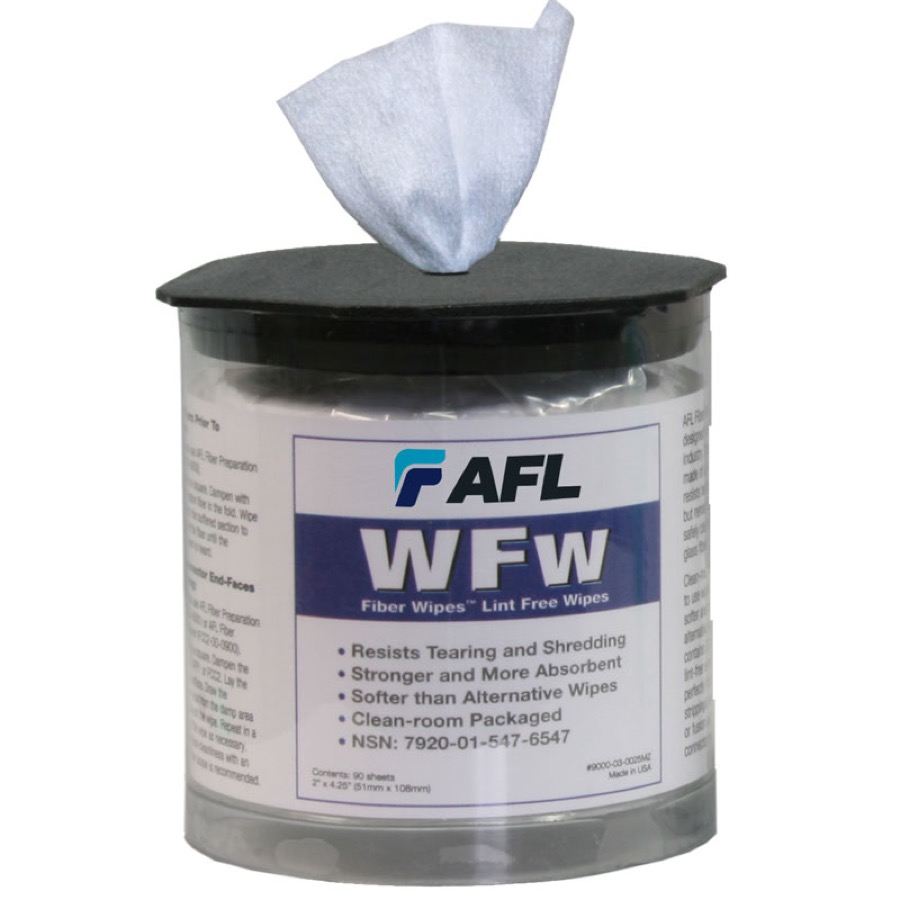
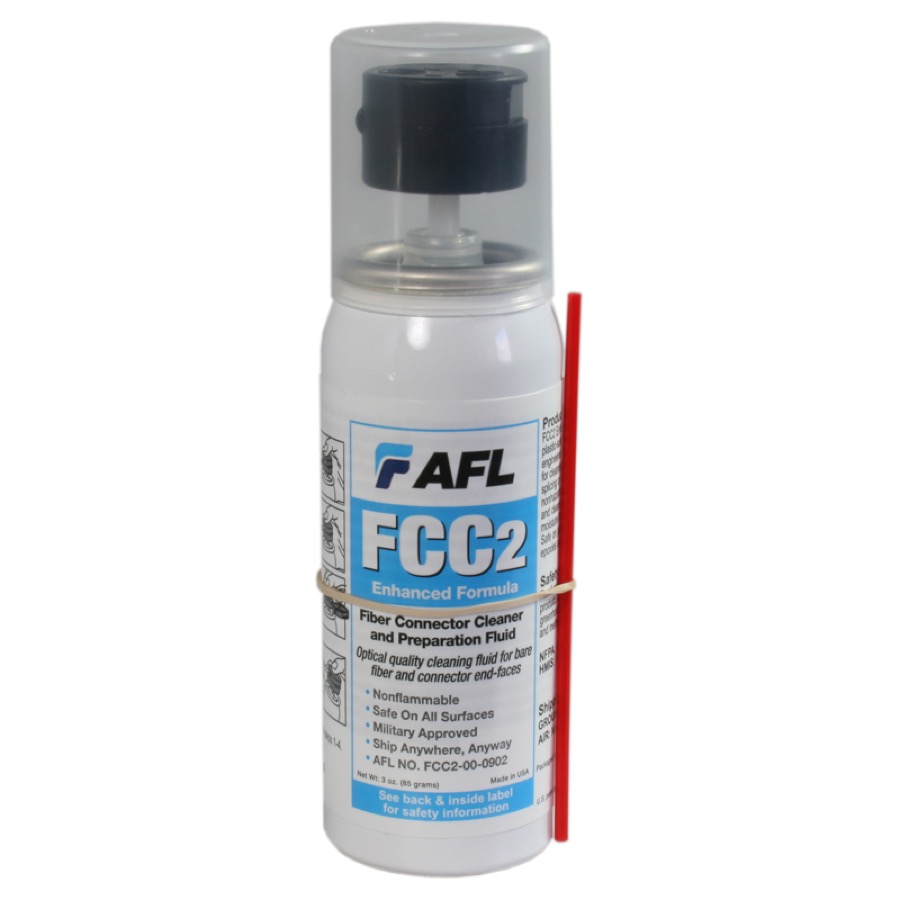
Lint-free wipes + fluid
The staple for connectors in hand (patch cords, pigtails). Start dry; for stubborn dirt (grease, residue) — a wipe moistened with a dedicated fluid (fast-drying, residue-free, FCC/FPP type) or pure IPA, then immediately finish with a dry section. Otherwise you're left with interference fringes — you saw them in the trainer.
See it in the catalog →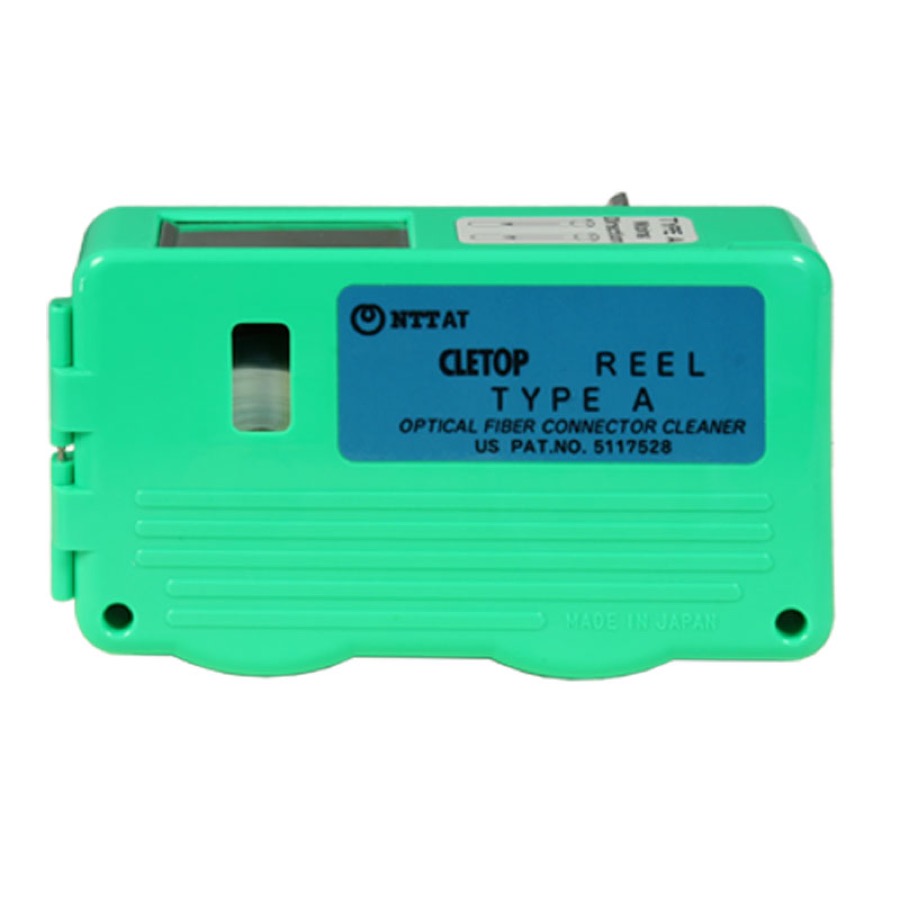
Cassette cleaner (Cletop type)
A lint-free tape advanced under a window — you draw the connector end face across a fresh strip in one stroke. Fast dry cleaning, hundreds of cleanings per cassette. Ideal on the assembly bench and in the lab, where the connector is in your hand.
See it in the catalog →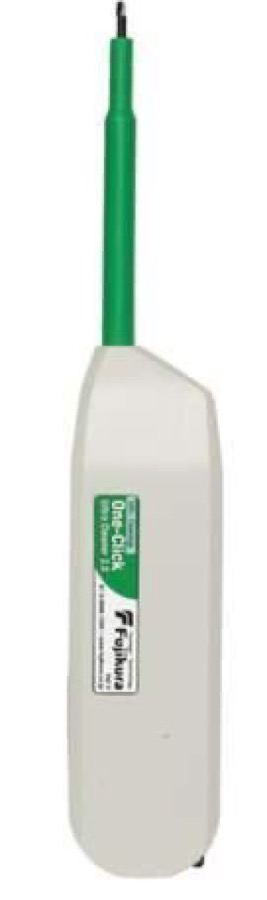
Pen-style cleaner (One-Click type)
The key to connectors seated in adapters: it cleans a connector sitting in a patch panel adapter and equipment ports without unplugging — the tip enters through the adapter sleeve, and the "click" mechanism rotates it with controlled pressure. Versions by ferrule diameter: 1.25 mm (LC, MU), 2.5 mm (SC, FC, ST, E-2000), plus dedicated MPO/MTP. This is also the tool that keeps your OTDR port healthy.
See the cleaning kits →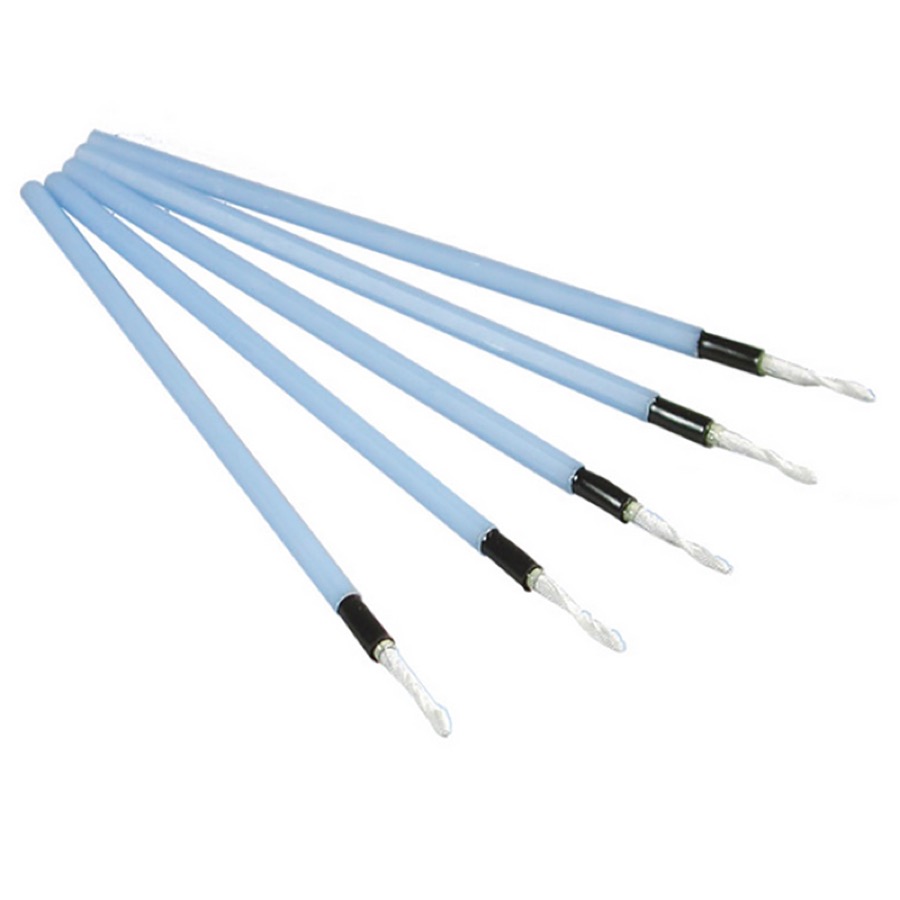
Cleaning sticks for receptacles
1.25 / 2.5 mm sticks for adapters and hard-to-reach receptacles when you don't have a pen-style cleaner. Rotate in one direction, one stick = one connector. Treat them as a last resort — it's the easiest way to leave smears and stray fibers from the tip.
See it in the catalog →Product photos: AFL / interlab.pl materials.
The standard's universal recipe: dry → wet → dry → inspect. Start dry; if the video inspection probe still shows dirt — wet-clean with fluid and dry off right away; after every cleaning, inspect again, because the standard does not recognize "blind" cleaning. Unused connectors and ports always stay under dust caps — but beware: dust caps can be dirty too.
Connector types — a cheat sheet
Before you clean, you have to identify. Two things tell you almost everything: housing color — green is APC (end face angled at 8°), blue is single-mode PC, beige/black is multimode (why that matters — chapter 4) — and ferrule diameter: 2.5 mm or 1.25 mm, because that's how you pick the pen-style cleaner.
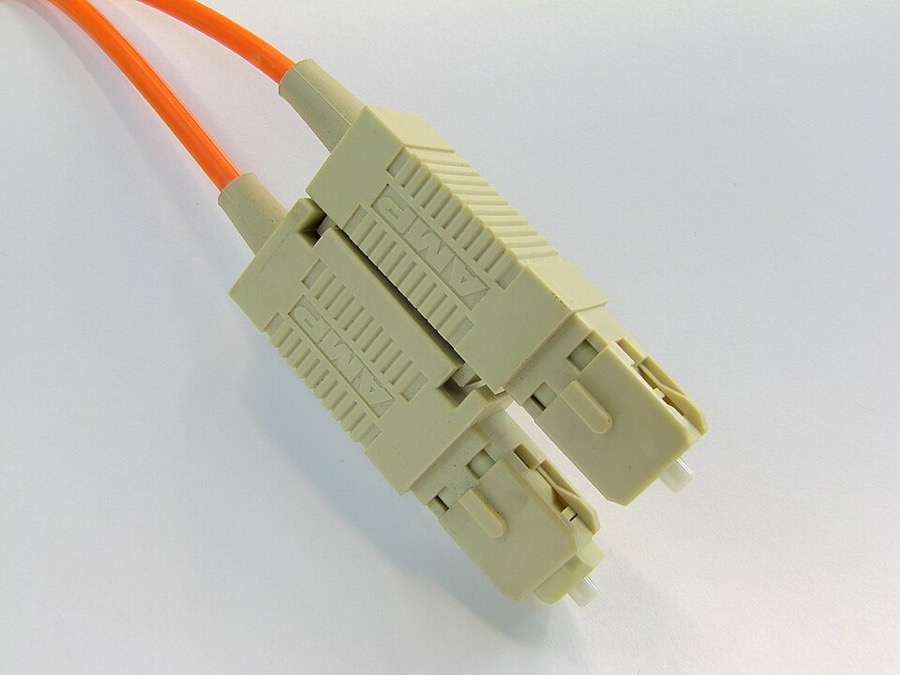
SC Ø 2.5 mm
Rectangular, push-pull. The most popular connector in patch panels and PON networks (usually SC/APC at the subscriber end). Big, convenient, hard to confuse with anything else.
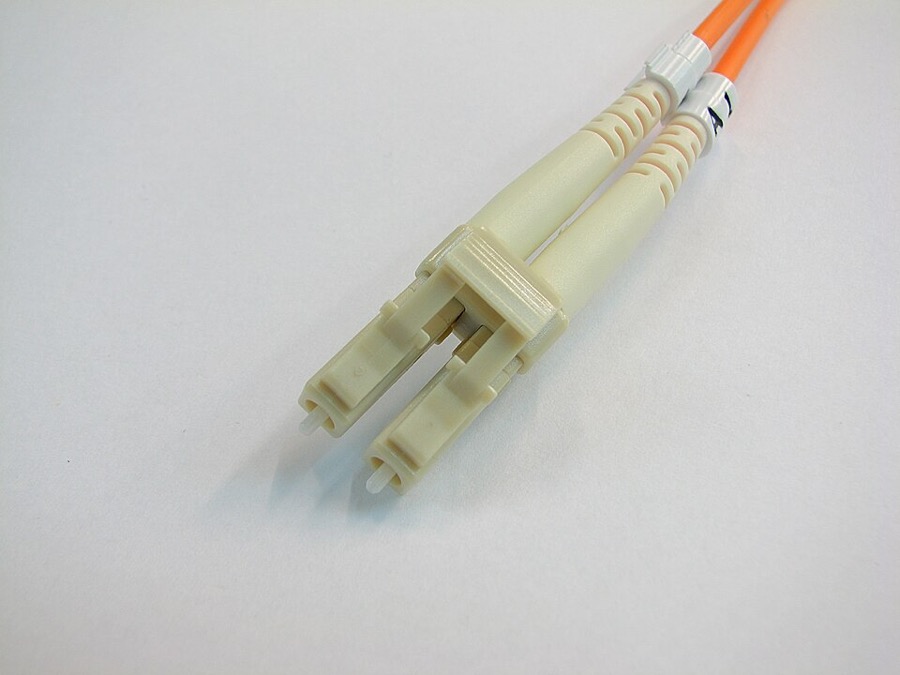
LC Ø 1.25 mm
Half the size of SC, with an RJ-45-style latch. The standard for high-density patch panels, SFP/SFP+ transceivers, and data centers. To clean it in an adapter — a 1.25 mm pen-style cleaner.
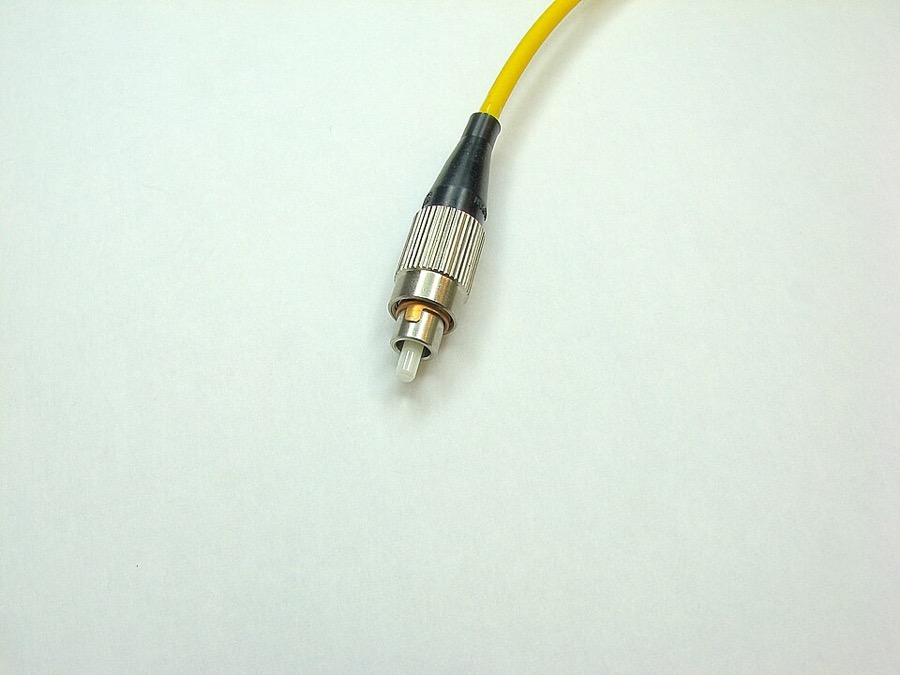
FC Ø 2.5 mm
Round, threaded — resistant to vibration and accidental unplugging. A classic of test equipment and labs; a common port on OTDRs.
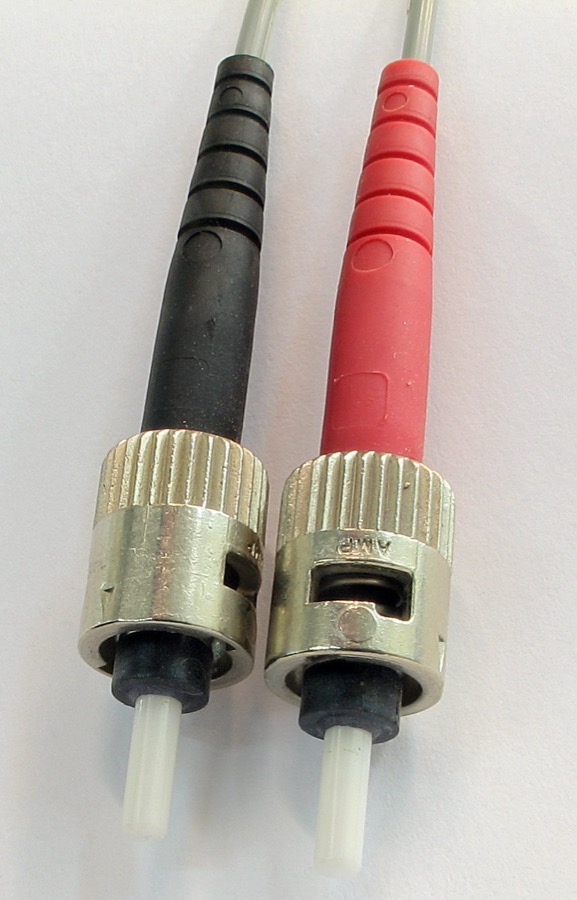
ST Ø 2.5 mm
Round, with a bayonet mount (push and twist). Found mainly in older LANs and multimode installations — on its way out today.
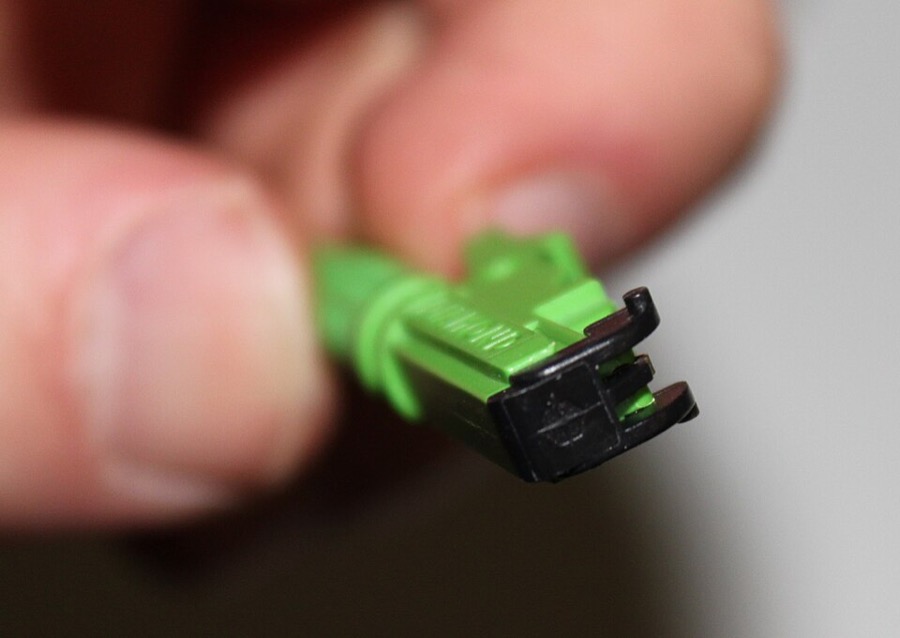
E-2000 Ø 2.5 mm
Push-pull with an automatic dust flap that protects the end face and your eyes (laser safety). A favorite of network operators and DWDM systems; usually in the APC version.
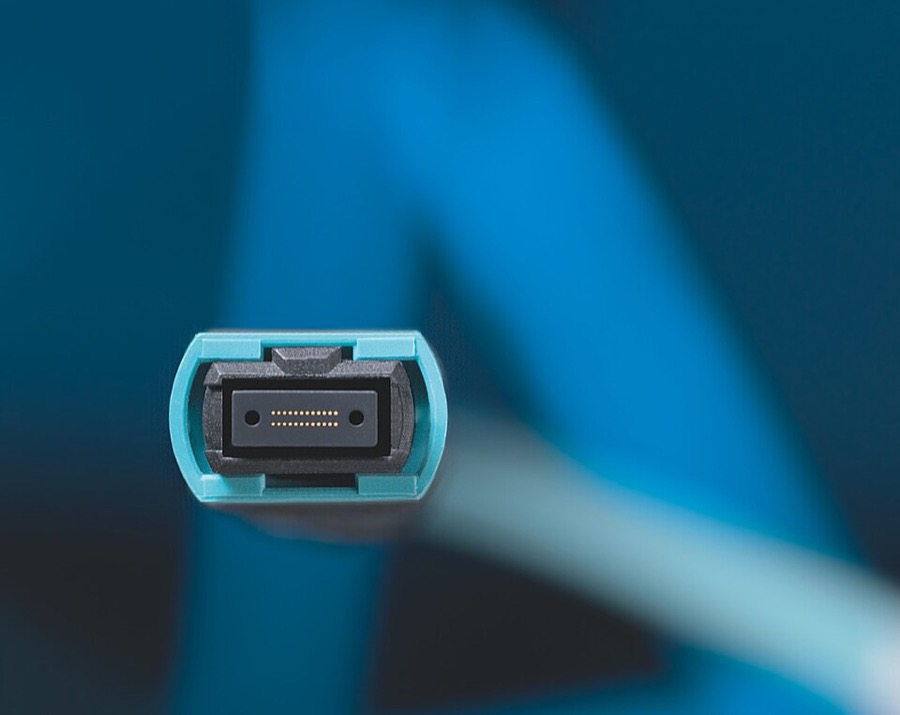
MPO / MTP rectangular ferrule
A multi-fiber connector (12/24 fibers in a single ferrule) for data centers and 40/100G links. Male (pinned) and female versions; polarity set by the key. Clean it only with a dedicated MPO/MTP cleaner.
Connector photos: Wikimedia Commons — SC/LC/FC/ST: Adamantios (CC BY-SA 3.0); E-2000: Christophe Finot (CC BY-SA 3.0); MPO: Reichle & De-Massari (CC BY-SA 3.0 DE).
Safety: microscopes and your eyesight
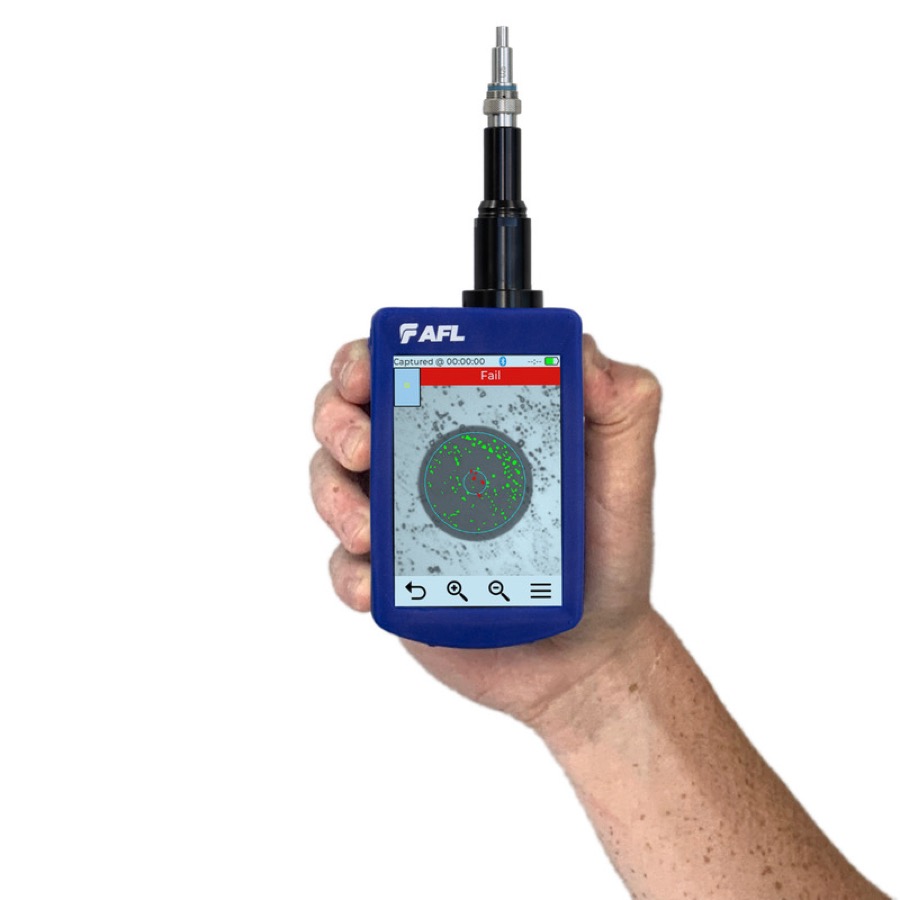
A direct-view optical microscope may only be put to a fiber carrying no signal. If optical power may be present in the link — especially on a live network — use only a video inspection probe with a camera and a screen. Otherwise you risk losing your eyesight. This is not caution for caution's sake — it's a requirement from chapter 2 of the handbook.
Want to see what a contaminated connector looks like on a trace? Go to chapter 5 — OTDR event analysis.